Scan receipts.
See your spending.
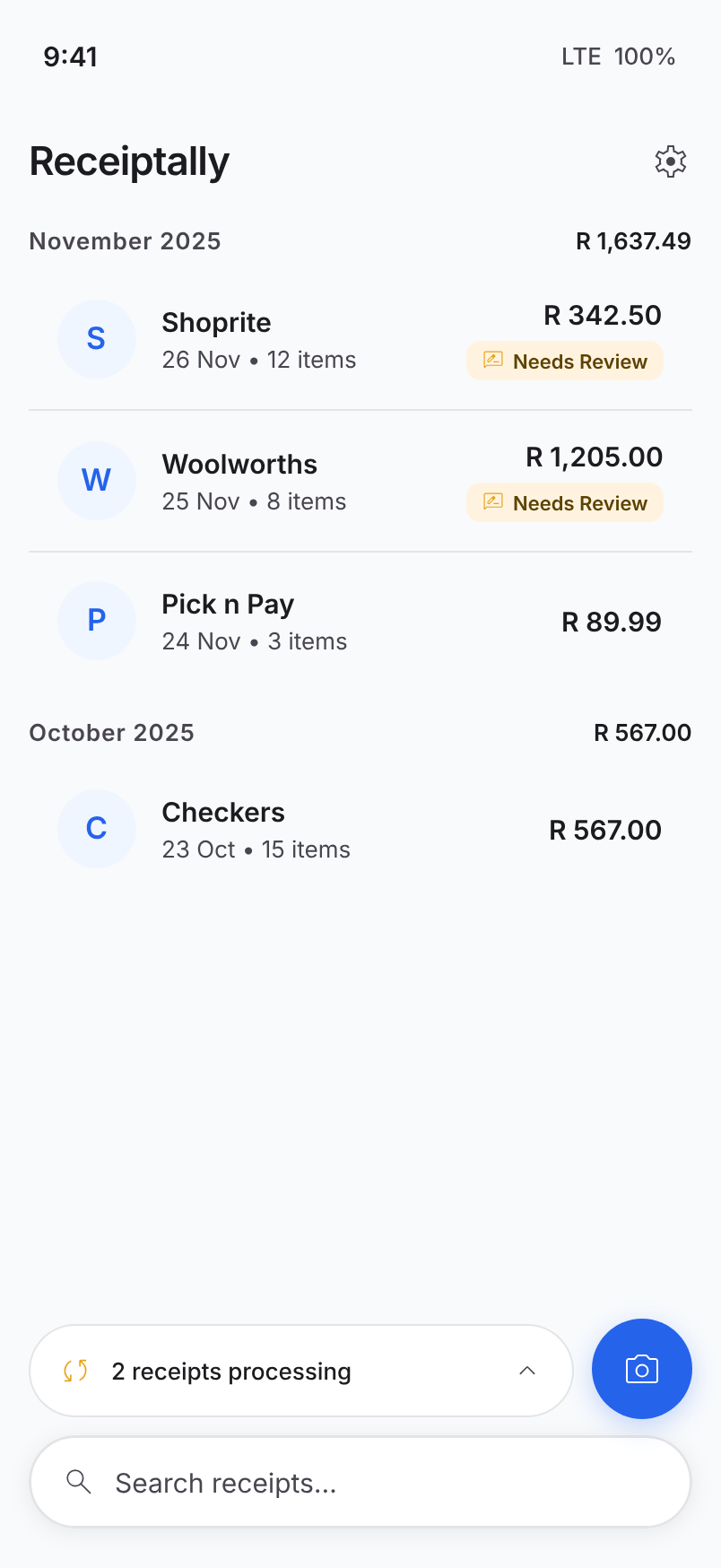
Snap a photo of any receipt. Receiptally extracts the merchant, total, and line items and makes them searchable in seconds.
Free demo, no sign-up needed.
How it works
Three steps. No spreadsheets, no manual typing.
- 1
Capture
Photograph a receipt with your phone, or pick one from your gallery. Multi-page receipts work too.
- 2
Extract
AI vision reads the merchant, date, totals, tax, and every line item — even from crumpled or faded paper.
- 3
Organise
Receipts land in a searchable list. Filter by merchant or date. Edit anything that didn't extract cleanly.
Built for the way you actually shop
AI-powered extraction
Merchant, total, subtotal, tax, date, line items, payment method, and more — all parsed automatically.
Live processing queue
Watch each receipt move from queued to processing to done. Retry any that fail with a tap.
Search & filter
Find that one Woolworths receipt from October by typing two letters. Filter by merchant, date, or amount.
Local-first privacy
Your receipts live on your device. We don't sell, share, or mine your data — that's the whole point.
Ready to ditch the shoebox?
Receiptally is coming soon to iOS and Android. Join the private beta and we'll let you know as soon as it's ready.